
the answer,
already on your screen.
AlphaView AI listens to your call, writes every word live, and gives you a clear answer the moment you tap Ask AI.
AlphaView runs on your laptop or desktop. Sign in here, then open alphaviewai.com on your computer.
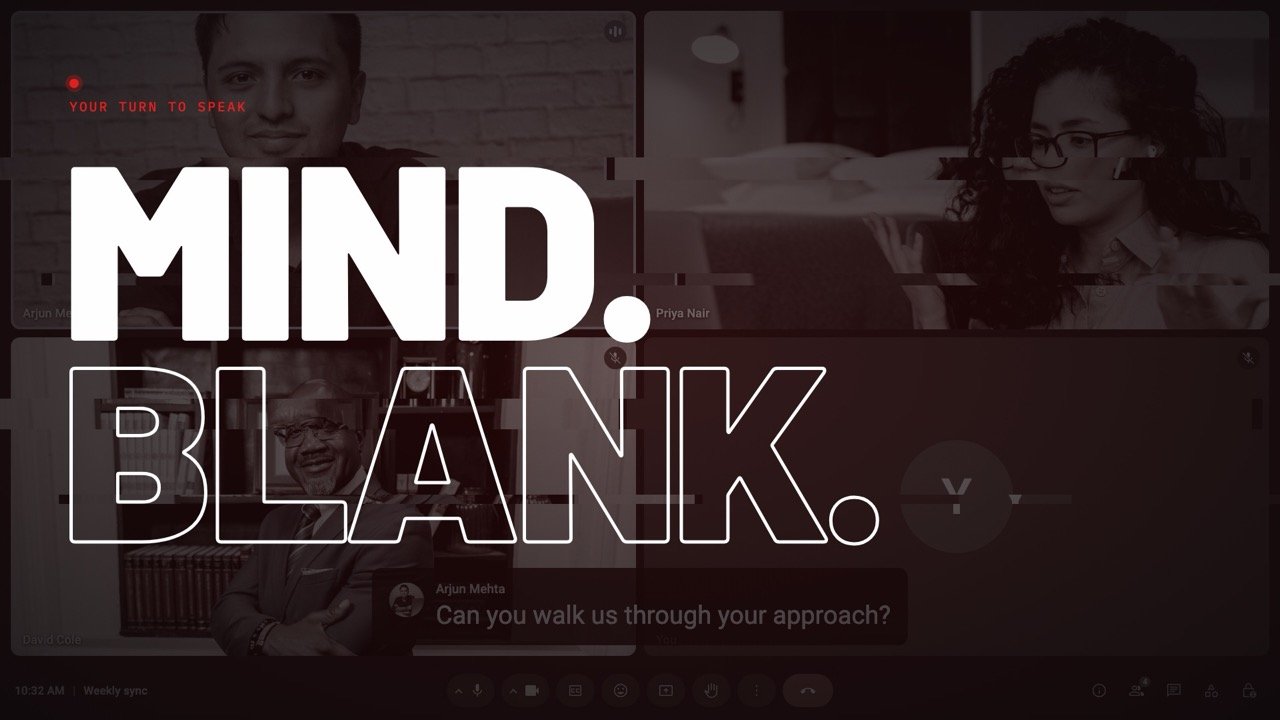
try it on a call, right here.
This is a demo of the app on a made-up call. When the question comes, presstap Ask AI.
Works with  Zoom
Zoom  Google Meet
  Microsoft Teams
  Webex and many more


now try it on your own calls.
That was a demo. AlphaView is an app on your computer that sits next to Zoom, Meet or Teams. Your first 10 minutes are free.
That was a demo. AlphaView is an app for your laptop or desktop, where it sits next to your call. Open alphaviewai.com on your computer to download it.
Sign in with Google to download.
Or here, then use the same account on your computer.
The panel sits over your call, and only you see it.
- Call audioIt hears the call, the same sound you hear.
- Live transcriptEvery word is written down as they speak.
- Ask AIOne tap, or Shift+Enter.
- AnswerClear, and ready to say in your own words.
A demo call. The people and numbers are made up.
best on your computer.
AlphaView is an app for Windows and Mac. It listens to your call and puts a clear answer in a private panel right next to it.
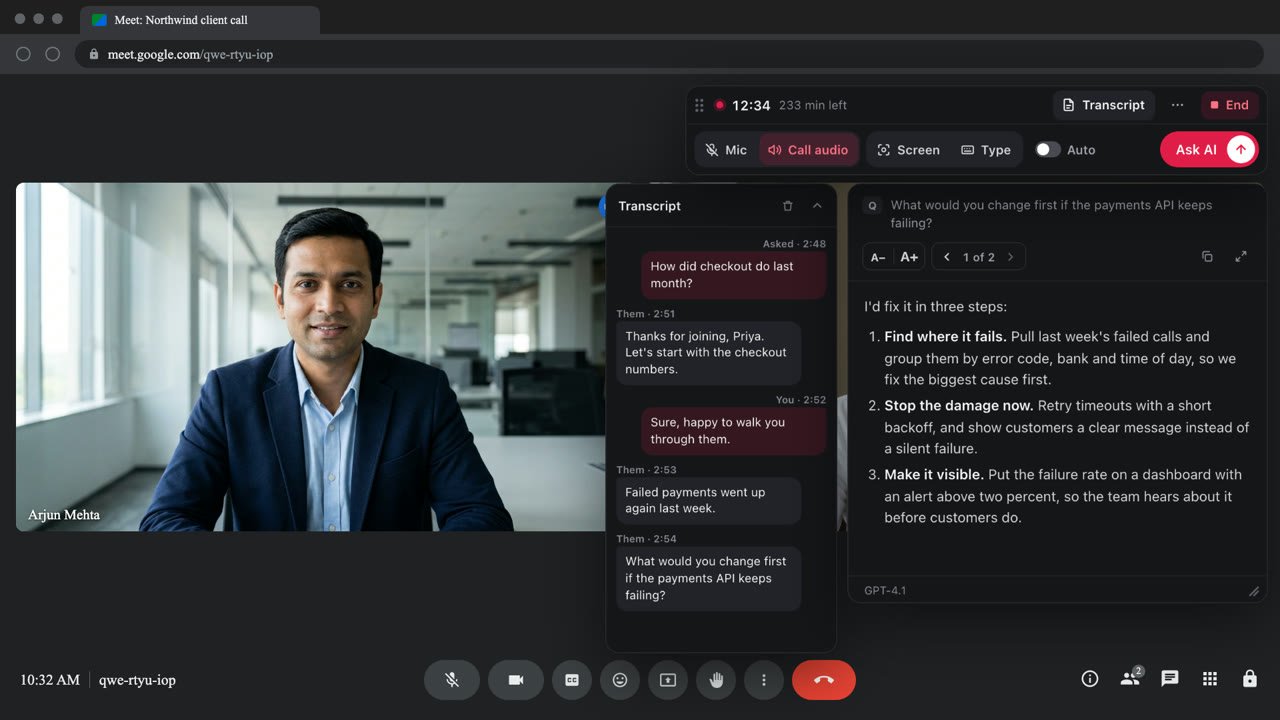
- It hears the call.The same sound you hear, from Zoom, Meet, Teams or your browser.
- It writes every word.A live transcript as they speak.
- You press Ask AI.One click, or Shift+Enter.
- The answer is on your screen.Clear, and ready to say in your own words.
Works with Zoom Google Meet Microsoft Teams Webex and many more
more than a transcript.
-
reads your screen.
Press Screen and it reads the code, slide or page in front of you, then answers it.
-
uses your notes.
Add your resume or notes once. Answers use your real projects and numbers.
-
your language.
It writes and answers in more than 40 languages, Hindi included.
हिन्दी English Español 日本語 Français Deutsch 한국어 中文
10 minutes free when you sign in with Google.
get it on your computer.
AlphaView runs on Windows and Mac, right next to your call. Open alphaviewai.com on your laptop to download it.
also on your phone.
The phone companion sits next to your laptop. Start and stop a session from your phone and read the answers there.
before you try it.
Anything else? Write to support@alphaviewai.com or to us on Instagram @alphaviewai.
Does the panel show when I share my screen?
No. The panel is a separate window on your own display, and it stays out of the window you share in Zoom, Meet or Teams. Use it lawfully, follow the rules of every call you join, and get consent before you transcribe one.
What do I get for free?
Free 10-minute sessions as soon as you sign in with Google. No card, nothing to pay. Try it on a real call and see the answers for yourself.
Can I use it on my phone?
AlphaView works best on your laptop or desktop, on Windows and Mac, right next to your call. There is also a phone companion: sign in on your phone to start and stop a session and read the answers there.
Which apps and languages does it work with?
Zoom, Google Meet, Microsoft Teams, Webex, Amazon Chime and calls in your browser, in more than 40 languages including Hindi.
Do I need to set anything up?
Download the app, sign in, and start a session before your call. If you can use Zoom, you can use AlphaView.
Can I see my past calls?
Yes. Every session is saved to your account with its full transcript, so you can read it again or download it. You can delete any session at any time.
try it free for 10 minutes.
Sign in here, then open alphaviewai.com on your laptop to download it.